Homepage > Products > Associations
From the top menu click on ASSOCIATIONS.
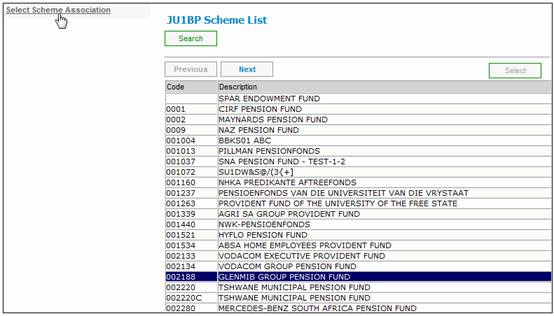
Highlight the PRINCIPAL EMPLOYER (Main Umbrella)
From the menu on the left, click on SELECT ASSOCIATIONS.
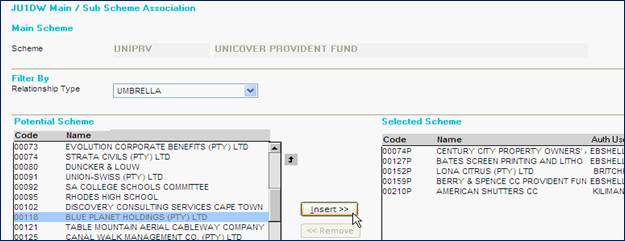
Select from the RELATIONSHIP TYPE drop down – UMBRELLA.
Select the new product and click INSERT.
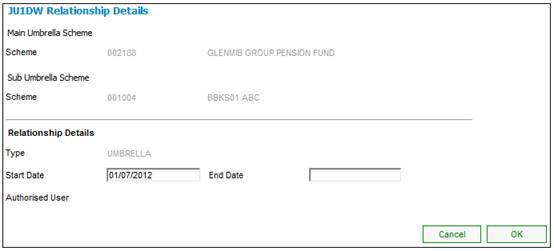
The start date = the launch date of the new product.
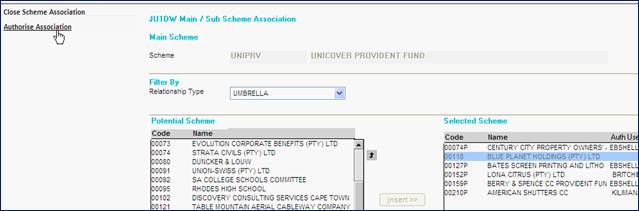
Once the Association is completed, it will need to be authorized (by a different user).