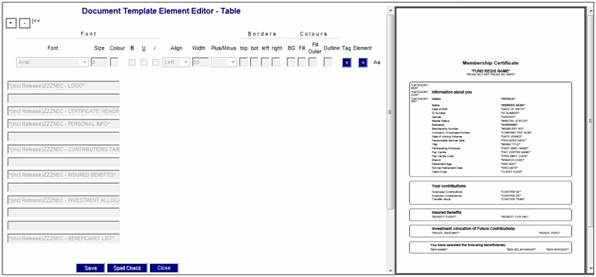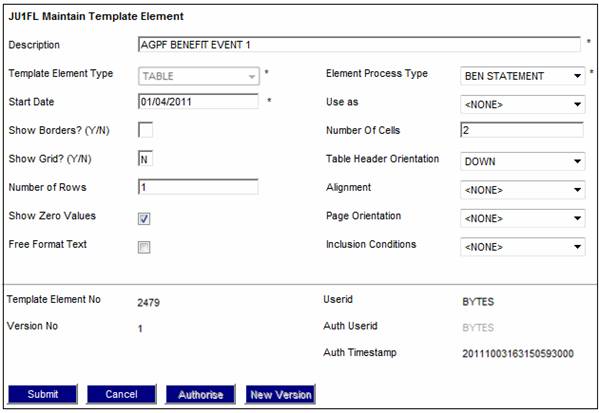
The combination for every event required for the Benefit Statement must be set up. The following needs to be set up as per the examples below:
Benefit Event 1
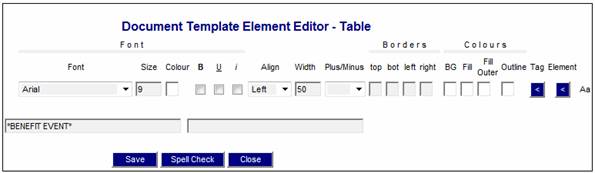
Benefit Event Description 1
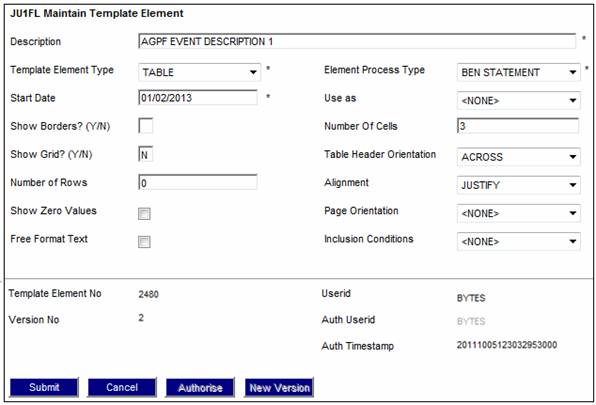
Note:
To set up a table with repeatable values, the Table Header Orientation field must be set as ACROSS and not DOWN. The system will then repeat / list multiple rows of data where applicable
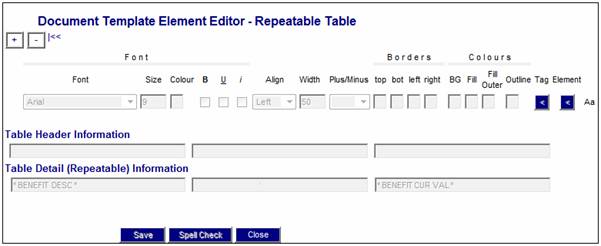
These two elements are then combined as Benefit Event Combo 1.
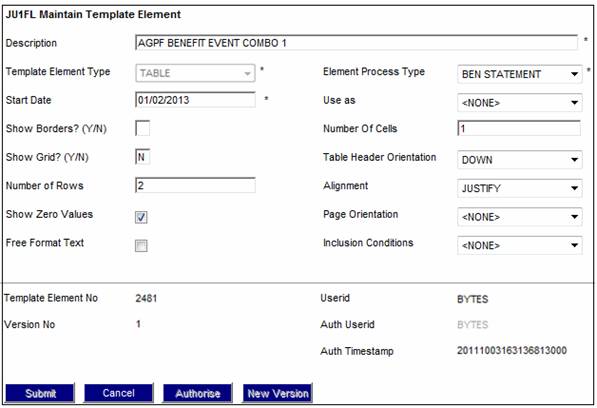
The Benefit Event 1 and the Benefit Description1 are then linked in as elements to form the Combo element.
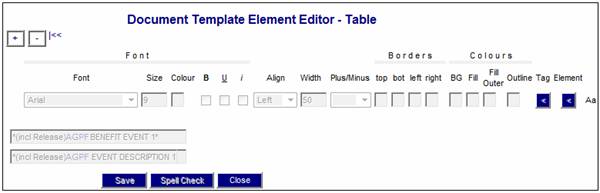
All of the various elements are then linked into a combined element to form the body of the Benefit Statement. The necessary lines between various elements can also be included here.