This functionality enables documents to be uploaded for the policyholder.
Note:
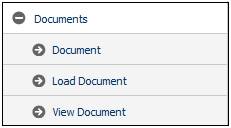
This can also be selected from the Documents sub-menu.
Select LOAD DOCUMENT at the bottom of the Policyholder Details screen.

The Document Upload screen will be displayed.
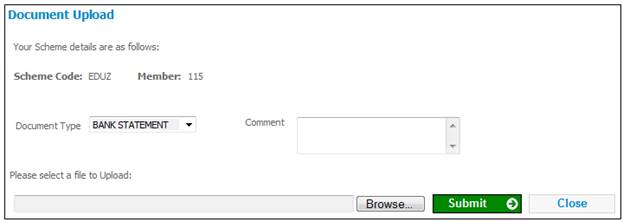
Click  alongside Document Type to select from a drop-down list of types.
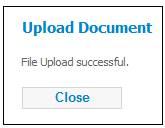
Click BROWSE to find the document to be uploaded, then click SUBMIT. A message will confirm that the file has been successfully uploaded.