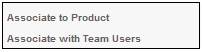
Log in to the system from the Logon page.
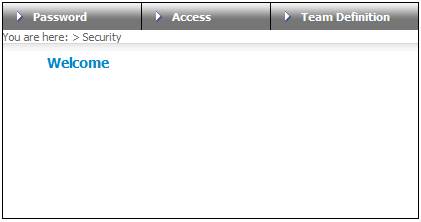
Click security.
The Welcome screen will be displayed.
From the main menu on top, select Password. A sub-menu will be displayed on the left.
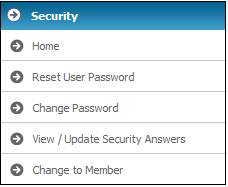
Note:
Once you have logged in, this menu will also be displayed by clicking  above the main menu on top.
From the main menu on top, select Access. A sub-menu will be displayed on the left.
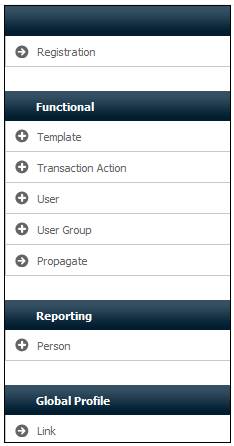
From the main menu on top, select Team Definition. A sub-menu will be displayed on the left.