
From the Main Menu select PROCESSES and then CONTRIBUTIONS.
The following selections are displayed on the top menu.
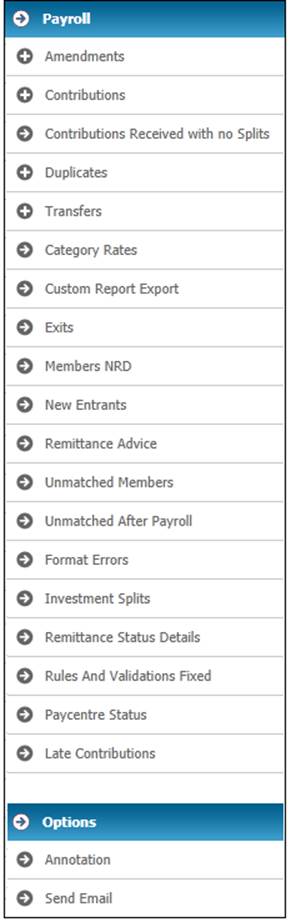
From the top menu, select Payroll and then Reports.
A list of available reports will display on the left hand side.
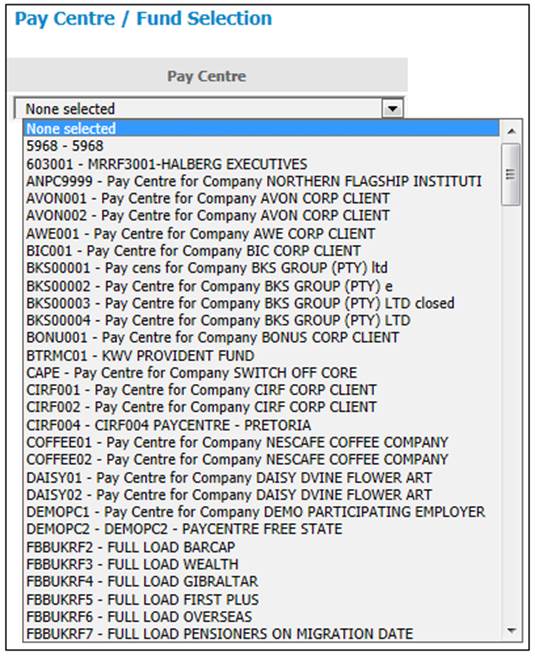
Click  to select a Pay Centre from the drop-down box.
A screen with a list of cycle dates will be displayed.
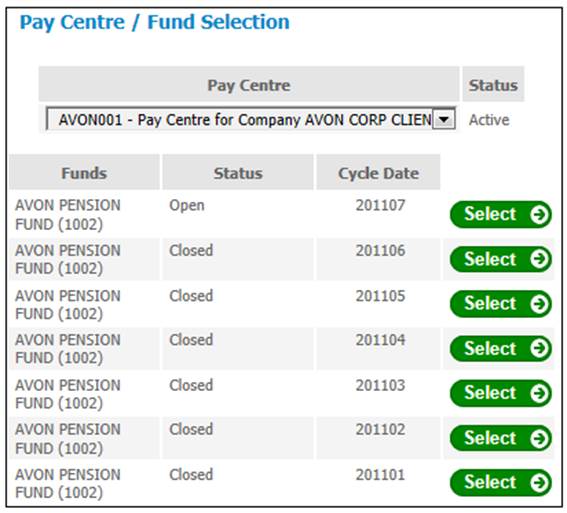
Select the required cycle date from the Pay Centre / Fund Selection screen by clicking SELECT.
From the sub-menu on the left, select the required report.
To select a report for a different pay centre and/or cycle date, click  at the top of the pay centre list.

The Pay Centre / Fund Selection screen will be re-displayed, and you will be able to select a different pay centre from the drop-down box, or a different cycle date for the currently selected pay centre.